


Docker Explained from Scratch: The Complete Beginner's Guide


Overview
Modern applications need to run consistently across laptops, test environments, data centres, and public clouds. In the past, developers often heard:
"It works on my machine!"
This happened because applications depended on specific operating systems, libraries, and configurations that differed from one environment to another.
Docker solves this problem by packaging an application and everything it needs into a single, portable unit called a container.
Docker has become one of the most important technologies in cloud computing, DevOps, and Kubernetes.
What is Docker?
Docker is an open-source containerization platform that allows developers to build, package, ship, and run applications in isolated containers.
A Docker container includes:
Application code
Runtime
Libraries
Dependencies
Configuration files
This ensures the application behaves the same wherever it runs.
Why Do We Need Docker?
Before Docker, deploying applications was often difficult.
Common challenges included:
Different software versions across environments
Missing libraries or dependencies
Long deployment times
High infrastructure costs
Inefficient use of server resources
Complex application migrations
Docker addresses these issues by providing a lightweight, portable runtime.
Understanding the Problem
Imagine you're moving to a new house.
Without Docker:
You pack clothes separately.
Furniture separately.
Kitchen items separately.
Electronics separately.
Something may get lost or damaged.
With Docker:
Everything is packed into one secure shipping container.
No matter where the container goes, everything inside remains intact.
This is exactly how Docker packages applications.
Virtual Machines vs Docker Containers
Virtual Machines
Docker Containers
Runs a full guest operating system
Shares the host operating system kernel
Large image size (GBs)
Small image size (MBs)
Slower startup
Starts in seconds
Higher resource consumption
Lightweight and efficient
Best for complete OS isolation
Best for application isolation
Docker Architecture
Docker consists of three main components:
Docker Client
The command-line interface (CLI) used by administrators and developers.
Example:
docker run nginx
The client sends requests to the Docker Engine.
Docker Engine
The core service responsible for:
Building images
Running containers
Managing networks
Managing storage volumes
It is the heart of Docker.
Docker Registry
A registry stores Docker images.
Popular registries include:
Docker Hub
VMware Harbor
Amazon ECR
Azure Container Registry
Google Artifact Registry
Docker Images
A Docker Image is a read-only template used to create containers.
Think of an image as a recipe.
You can bake thousands of identical cakes from the same recipe.
Similarly, you can create many containers from one Docker image.
Examples:
Ubuntu
Nginx
MySQL
Redis
PostgreSQL
Docker Containers
A container is a running instance of an image.
If the image is a blueprint, the container is the actual building.
Containers:
Start quickly
Use fewer resources
Can be created and destroyed easily
Dockerfile
A Dockerfile is a text file containing instructions to build an image.
Example:
FROM ubuntu:24.04
RUN apt update
RUN apt install nginx -y
COPY index.html /var/www/html/
CMD ["nginx","-g","daemon off;"]
This file tells Docker how to build the application image.
Docker Layers
Each instruction in a Dockerfile creates a new layer.
Example:
Base OS
Install packages
Copy application
Configure application
Start service
Layers are cached, making future builds faster and more efficient.
Docker Volumes
Containers are temporary.
If a container is deleted, its local data is lost.
Volumes provide persistent storage.
Common use cases:
Databases
Application uploads
Log files
Configuration data
Docker Networks
Containers need to communicate with each other.
Docker provides built-in networking modes:
Bridge Network
Host Network
Overlay Network
Macvlan Network
None
Networking allows applications such as web servers, databases, and APIs to work together.
Docker Hub
Docker Hub is the largest public repository for Docker images.
Instead of building every application from scratch, you can download official images.
Example:
docker pull nginx
Docker Lifecycle
A typical Docker workflow looks like this:
Write application code.
Create a Dockerfile.
Build the Docker image.
Push the image to a registry.
Pull the image on another server.
Run it as a container.
Monitor and update as needed.
Essential Docker Commands
Command
Purpose
docker version
Show Docker version
docker info
Display Docker system information
docker images
List local images
docker ps
Show running containers
docker ps -a
Show all containers
docker pull IMAGE
Download an image
docker run IMAGE
Start a container
docker stop CONTAINER
Stop a container
docker start CONTAINER
Start a stopped container
docker restart CONTAINER
Restart a container
docker logs CONTAINER
View container logs
docker exec -it CONTAINER bash
Open a shell inside a container
docker rm CONTAINER
Remove a container
docker rmi IMAGE
Remove an image
Docker Compose
Applications often require multiple containers.
Example:
Web Server
Database
Redis Cache
Message Queue
Docker Compose lets you define and run them together using a single YAML file.
Example:
services:
web:
image: nginx
db:
image: mysql
redis:
image: redis
Start everything with:
docker compose up -d
Docker Security Best Practices
To run Docker securely:
Use official or trusted images.
Scan images for vulnerabilities.
Avoid running containers as the root user.
Keep images small and up to date.
Store secrets securely.
Restrict network access.
Apply resource limits.
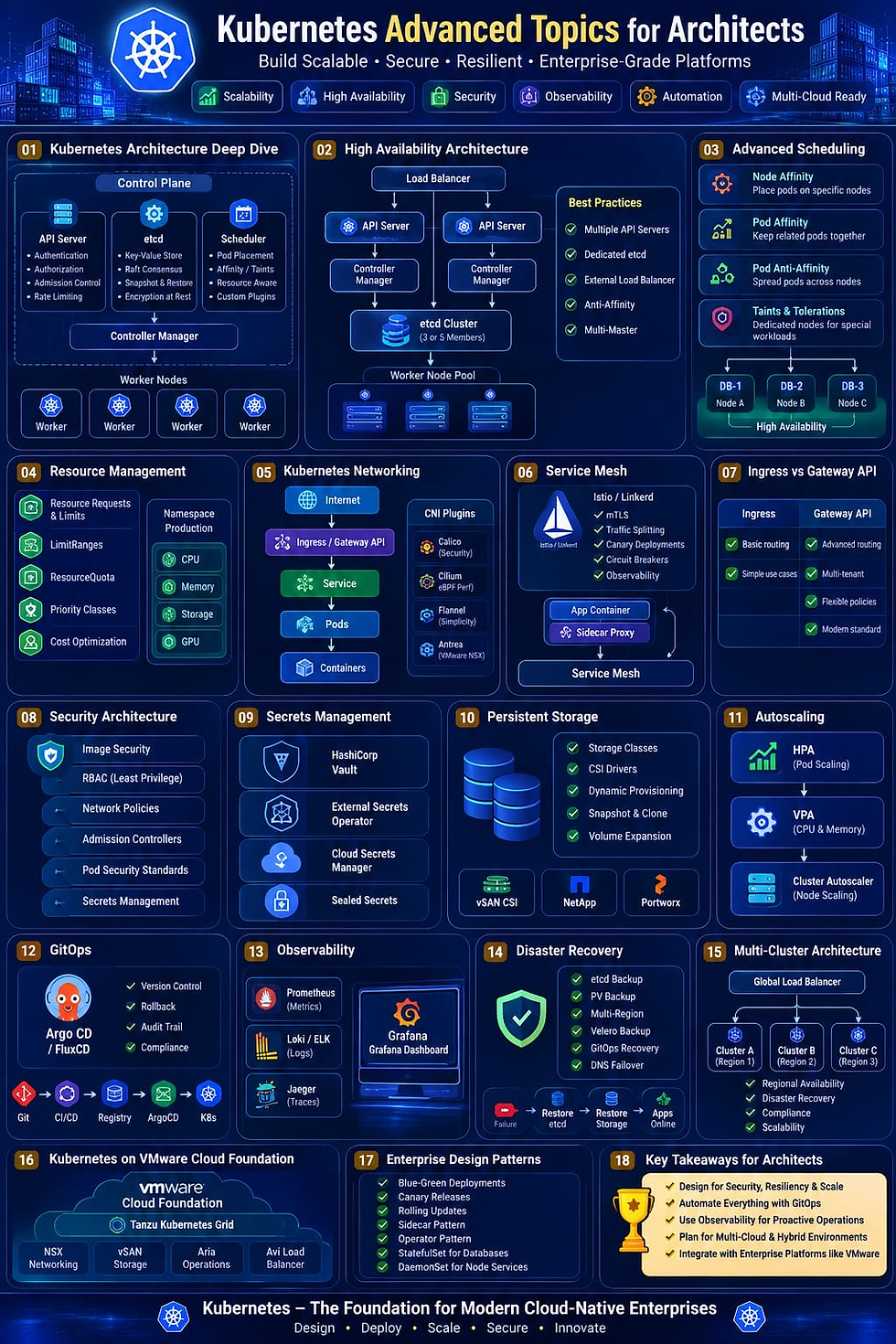
Docker and Kubernetes
Docker and Kubernetes complement each other:
Docker packages applications into containers.
Kubernetes orchestrates and manages those containers at scale.
Think of it this way:
Docker builds and ships the containers.
Kubernetes decides where they run, scales them, monitors them, and recovers from failures.
Real-World Example
Imagine an online banking application.
It consists of:
Front-end web application
API service
Authentication service
Database
Redis cache
Each component runs in its own Docker container.
Benefits:
Independent updates
Easier scaling
Better fault isolation
Faster deployments
Simplified maintenance
Advantages of Docker
Consistent environments across development, testing, and production.
Faster application deployment.
Lightweight compared to virtual machines.
Efficient use of hardware resources.
Easy scaling and portability.
Strong integration with CI/CD pipelines.
Ideal for cloud-native applications.
Large ecosystem and community support.
Challenges of Docker
Containers share the host kernel, so they are not as isolated as virtual machines.
Persistent storage requires careful planning.
Networking can become complex in large deployments.
Monitoring many containers requires dedicated tools.
Image management and security need ongoing attention.


Comments